


Game streaming has taken the digital world by storm, offering individuals an opportunity to showcase their gaming skills, connect with a community of fellow gamers, and even make a living from their passion. If you’re enthusiastic about gaming and want to start your own game streaming channel, this step-by-step guide will help you navigate the process smoothly. From setting up the right equipment to building your audience, we’ll cover the essential aspects to kickstart your game streaming journey.
1. Understanding the Basics of Game Streaming
Before diving into the technicalities, it’s crucial to grasp the fundamental concepts of game streaming. Game streaming involves broadcasting live gameplay sessions on platforms like Twitch, YouTube Gaming, or Facebook Gaming. Viewers can watch your gameplay in real-time, interact with you through chat, and even support you through various means such as donations or subscriptions.
- Twitch: One of the most popular platforms for game streaming, Twitch allows you to create a channel, customize it, and start streaming games to a vast audience.
- YouTube Gaming: Integrated with YouTube, it’s a great option for creators already familiar with the YouTube platform, offering similar features for game streaming.
- Facebook Gaming: Facebook’s game streaming platform, where you can stream games and build a community around your content using your existing Facebook account.
2. Setting Up the Right Equipment
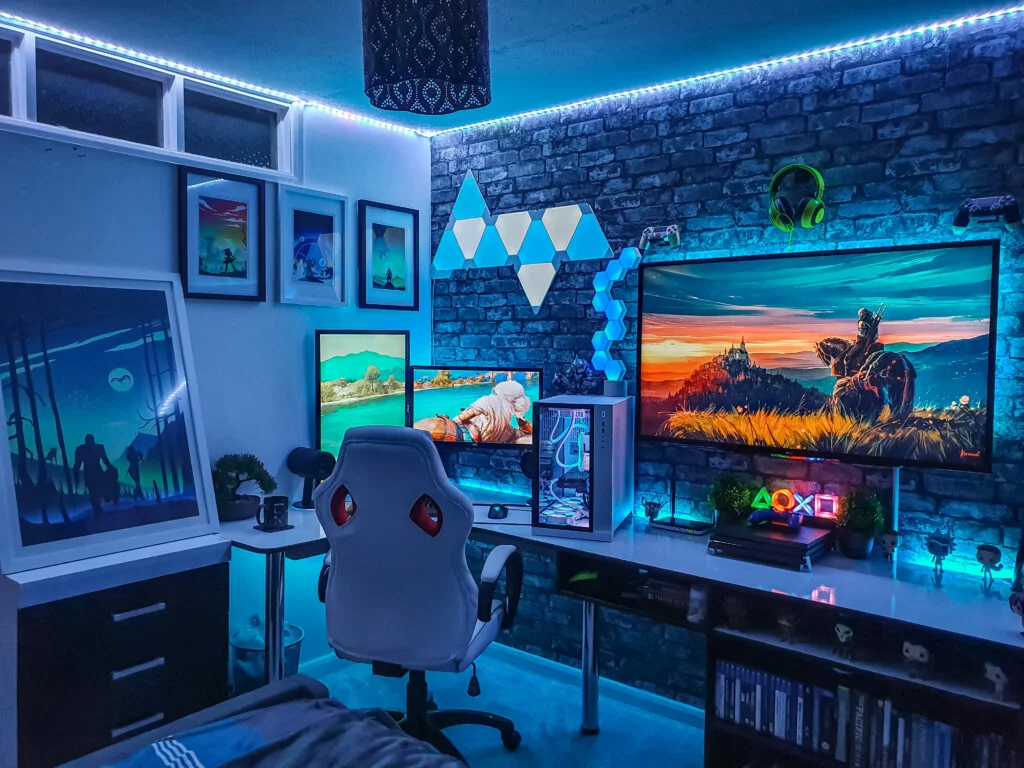
A smooth and visually appealing stream requires the right equipment. From a powerful gaming PC to a reliable internet connection, each component plays a vital role in ensuring a high-quality streaming experience for both you and your viewers.
- Gaming PC or Console: A powerful gaming PC or a modern gaming console is the heart of your streaming setup, capable of running demanding games smoothly.
- Capture Card: If you’re using a console, a capture card is essential to transfer gameplay footage from your console to your PC for streaming.
- Webcam: A good quality webcam allows viewers to see you while you’re playing, adding a personal touch to your stream.
- Microphone: Invest in a high-quality microphone for clear and crisp audio, ensuring your audience can hear you clearly as you engage with them during the stream.
3. Choosing the Right Streaming Software
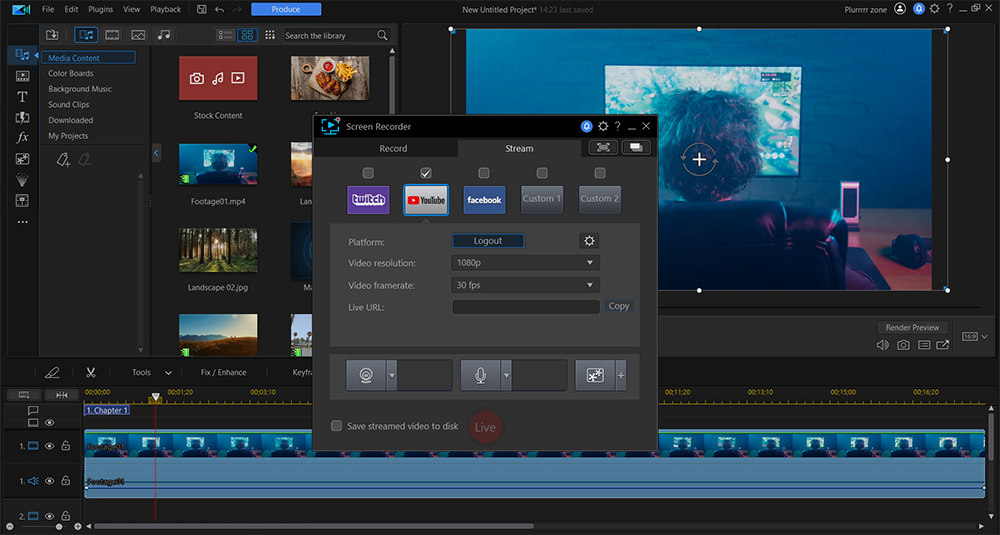
Once you have the hardware in place, selecting the appropriate streaming software is the next crucial step. Streaming software facilitates the process of capturing your gameplay, integrating with your webcam and microphone, and broadcasting it to your chosen platform.
- OBS Studio: Open Broadcaster Software (OBS) is a popular, free, and open-source software that provides powerful features for capturing and streaming your gameplay.
- Streamlabs OBS: A user-friendly alternative to OBS, Streamlabs OBS offers a range of customization options, themes, and plugins to enhance your streaming experience.
- XSplit: Known for its user-friendly interface and ease of use, XSplit is a paid software that offers both broadcaster and gamecaster versions tailored to different needs.
4. Creating Compelling Content and Branding
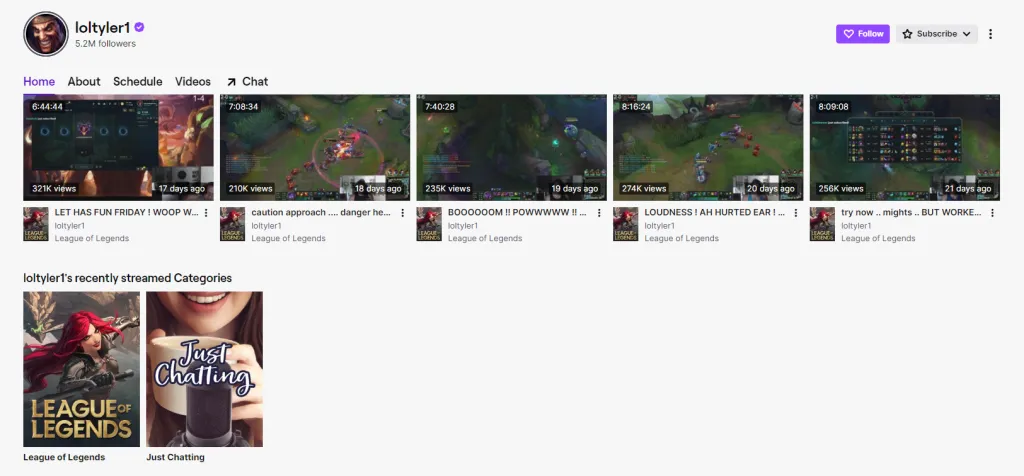
To stand out in the saturated world of game streaming, creating compelling content and establishing a strong brand identity is vital. Your content should reflect your personality, gaming style, and engage your audience effectively.
- Content Themes: Develop recurring themes for your streams, such as special challenge days, gameplay walkthroughs, or community Q&A sessions, to keep your audience engaged and excited.
- Branding Elements: Design a captivating logo, overlays, banners, and a consistent color scheme that resonate with your audience and make your channel easily recognizable.
- Engagement Strategies: Encourage viewer engagement through polls, questions, and interactive segments during your stream, making them feel part of your gaming journey.
5. Building and Engaging with Your Audience
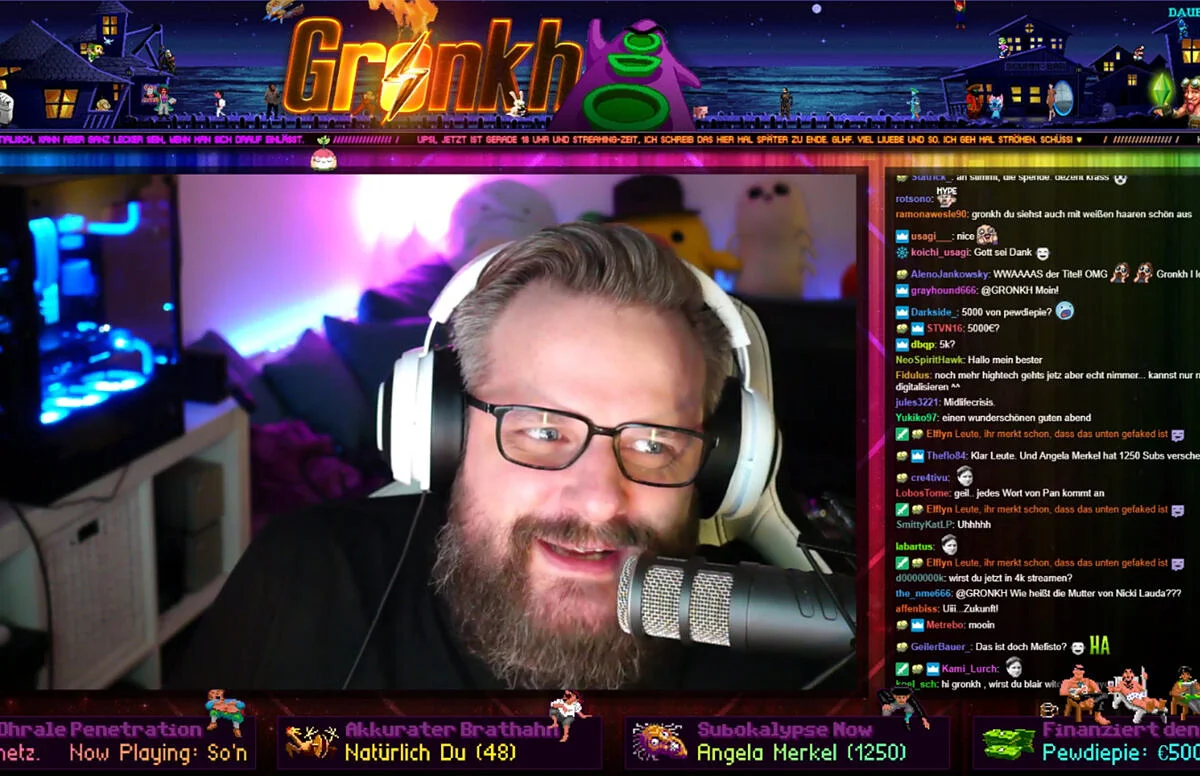
Building a community around your game streaming channel is crucial for success. Engage with your viewers, respond to their comments, and make them feel valued. Interacting with your audience fosters a sense of belonging and encourages them to return for future streams.
- Chat Interaction: Actively engage with your chat, respond to questions, comments, and provide shoutouts to viewers, creating a more interactive and enjoyable experience.
- Social Media Presence: Use platforms like Twitter, Instagram, and Discord to connect with your audience outside of your streams, updating them on your streaming schedule, milestones, and other updates.
- Subscriber and Follower Benefits: Offer perks to your subscribers or followers, such as exclusive emotes, access to a private Discord channel, or special shoutouts during streams, to incentivize their support and involvement.
6. Monetizing Your Game Streaming Channel
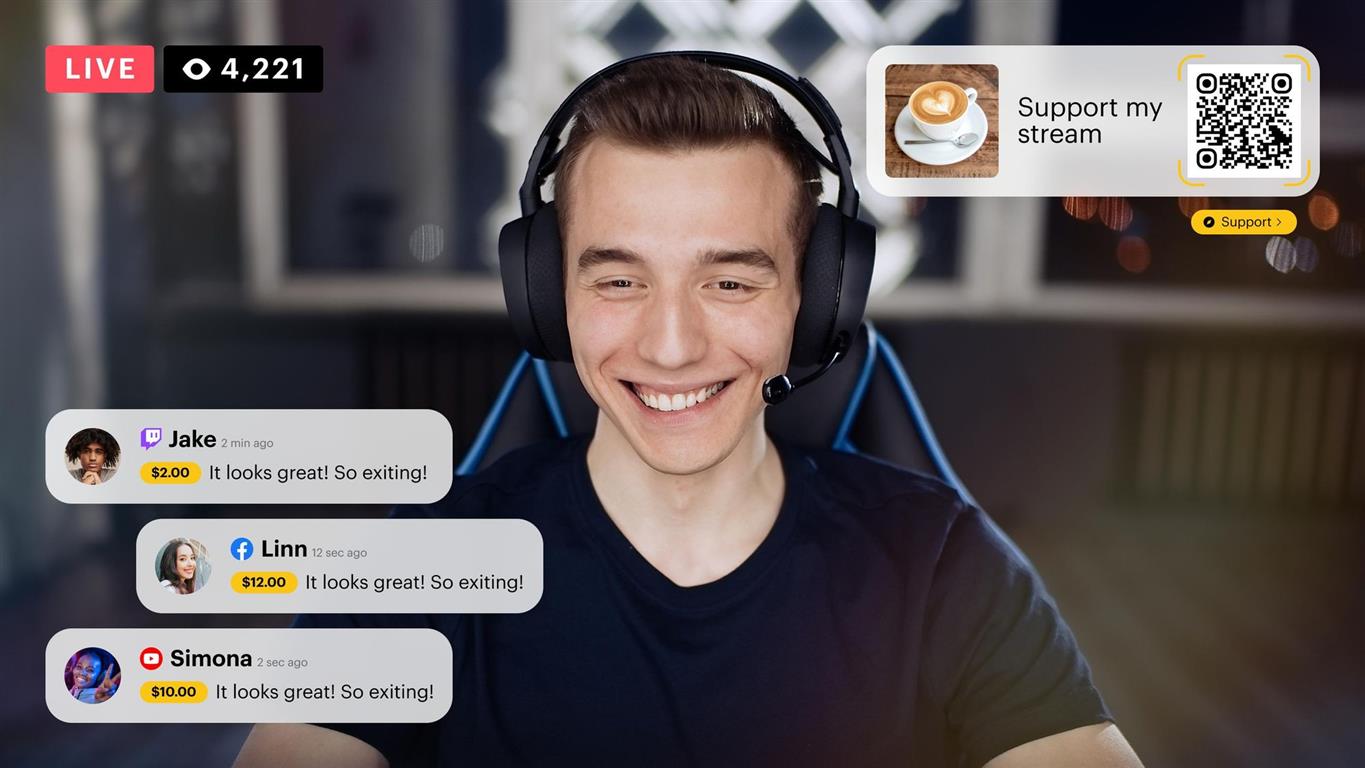
Finally, once you’ve built a dedicated audience, you can explore ways to monetize your game streaming channel. This can help you sustain your passion and potentially make a living out of it.
- Ads and Sponsorships: Enable ads on your streams and seek sponsorships from gaming-related companies to generate revenue.
- Donations and Tips: Encourage viewers to support you through direct donations or tips during your streams, expressing their appreciation for your content.
- Affiliate Marketing: Promote gaming-related products or services through affiliate marketing, earning a commission for each sale made through your referral links.

Starting your own game streaming channel is an exciting venture that requires dedication, creativity, and the right set of tools. By understanding the basics, investing in the right equipment, creating compelling content, engaging with your audience, and exploring monetization options, you’ll be well on your way to building a successful game streaming channel. Good luck on your gaming journey!