


Running an online store often means handling orders from several sales channels at once, which is why ecommerce shipping software has become a core part of daily operations. Instead of printing labels one by one or copying addresses between spreadsheets, a dedicated platform pulls everything into a single screen. ShipStation is one of the established names in this category, built for merchants who sell across multiple channels and need to move orders quickly. This primer looks at what shipping and fulfillment software actually does, and where ShipStation fits into that picture.
What Is Ecommerce Shipping Software and Why Businesses Need It
Ecommerce shipping software sits between a store’s sales channels and the carriers that deliver packages. It imports orders, applies shipping rules, prints labels, and keeps inventory counts aligned so nothing gets oversold. Without that layer, a growing store often ends up re-entering order data into separate carrier portals by hand, which wastes time and invites mistakes. As order volume climbs, that manual approach stops scaling, and a centralized system becomes less of a convenience and more of a requirement.
Shipping software also brings fulfillment and rate comparison into a single workflow. That matters because a business shipping through only one carrier rarely gets the most efficient routing for every package. A platform built around multi-carrier access, such as ShipStation, lets a merchant weigh several shipping options for the same order before a label gets purchased.
How ShipStation Centralizes Orders Across Multiple Sales Channels
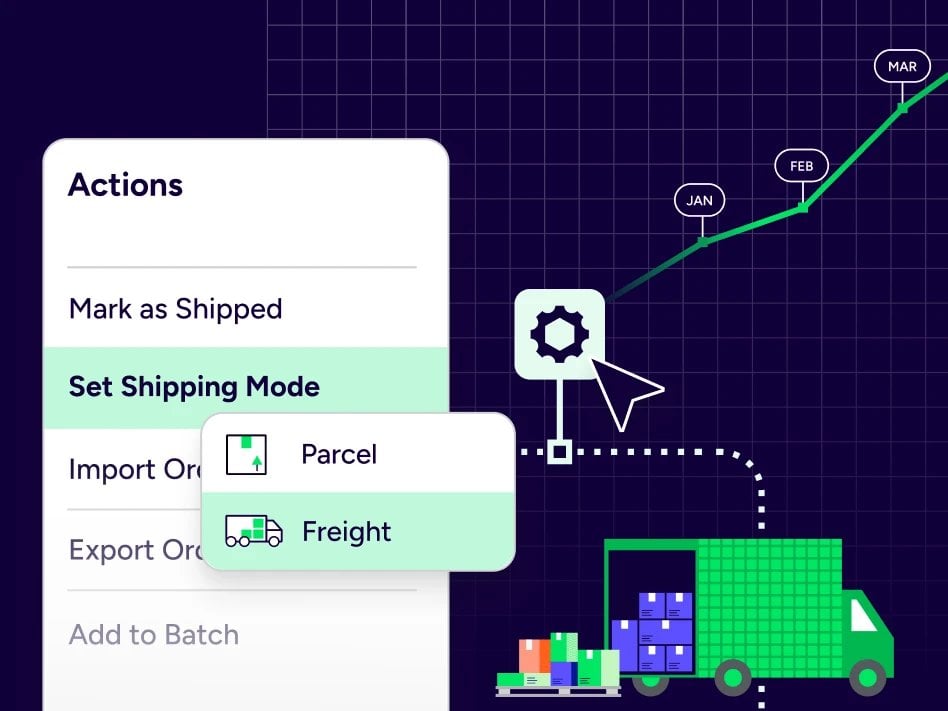
Many online sellers list products on more than one marketplace or storefront at the same time. ShipStation pulls orders from those different channels into one dashboard, so staff are not logging into separate systems to track what has sold. Orders can be marked as shipped, moved into batches, or exported for record-keeping, all from the same screen.
This kind of centralization reduces the back-and-forth between a store’s front end and its shipping desk. When a business adds a new sales channel, orders from that channel simply flow into the same queue as everything else. That consistency helps a company keep its fulfillment process steady even as it adds new places to sell.
Managing Inventory and Warehouse Workflows with ShipStation
Shipping is only half of fulfillment, and inventory accuracy is the other half. The platform ties inventory counts to incoming orders so stock levels reflect what has actually sold and shipped. It also covers warehouse workflows and shipping across both parcel and freight within one place, according to the brand.
That combination of parcel and freight handling is worth noting, since many smaller platforms only cover small-package shipping. A merchant that occasionally ships palletized or oversized freight does not need a separate system for that side of the business. Both shipment types run through the same interface instead.
Multi-Carrier Rate Shopping and Label Automation in ShipStation
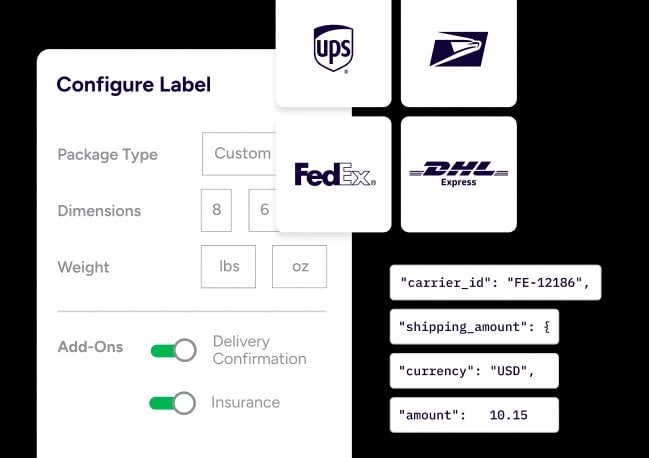
Choosing a carrier for every order by hand is slow, and it rarely finds the most efficient option. ShipStation offers automated rate shopping across more than 200 parcel carriers, plus the ability to compare rates from more than 50 LTL carriers for larger freight shipments. The platform also provides label creation within the same workflow, with the ability to generate shipping labels at scale while reducing manual keying errors.
For a store processing a high volume of daily orders, automation that speeds up label creation is most valuable during busy shipping periods. Merchants using the platform report streamlining their shipping operations across multiple channels and carrier networks at once.
Building Automation and Scaling Fulfillment with APIs and Webhooks
Beyond manual rate shopping, ecommerce shipping software increasingly supports automation that removes repetitive steps entirely. APIs and webhooks let shipping logic get built directly into a merchant’s existing systems rather than operated as a standalone tool. One custom apparel seller referenced in the brand’s own case studies scaled from a small shop into a high-volume fulfillment operation using this kind of API access.
Automation also underpins stories such as Spiceology’s, which reportedly shipped three times more orders during peak periods with half the team after adopting the platform. Green Gridiron is another example cited by the brand, describing growth from a smaller revenue base into a much larger one while using the same system throughout. These accounts show how automation can support scaling, even though individual results vary by business.
ShipStation’s Integration Ecosystem: 400+ Connections and Global Carrier Access
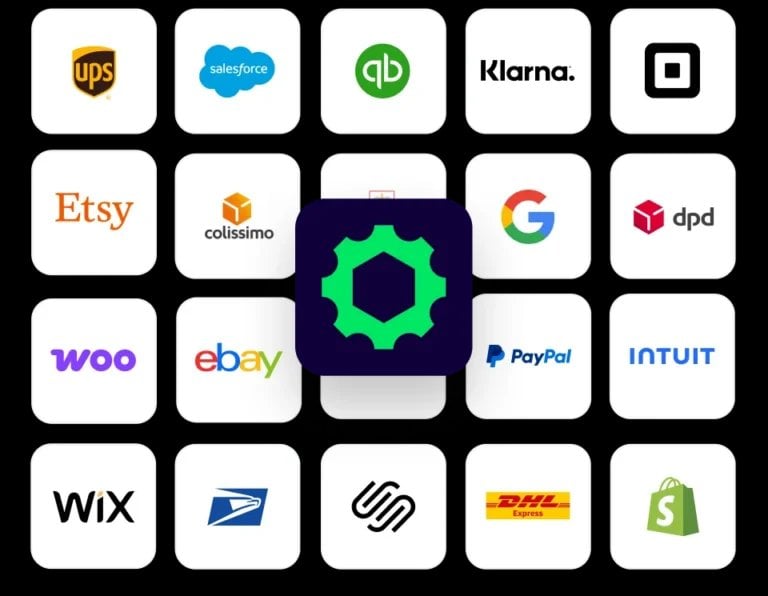
A shipping platform is only as useful as the systems it connects to, and this is an area where breadth matters. ShipStation offers more than 400 integrations in total, including over 200 global parcel carriers and more than 50 LTL carriers, among them UPS, USPS, DHL Express, and GlobalPost. That range covers most of the connections a growing ecommerce operation is likely to need, from storefront platforms to specific carrier accounts.
Combined with the API access described earlier, this integration ecosystem is a core part of what makes the software usable for both small sellers and larger, multi-channel operations.
- Order imports consolidate sales from multiple storefronts and marketplaces into a single queue.
- Rate comparison checks pricing and transit options across many carriers before a label is purchased.
- Label generation produces shipping labels in bulk, which reduces manual printing and keying errors.
- Inventory sync keeps stock counts aligned with orders as they come in and ship out.
- Automation applies rules to repetitive tasks, such as assigning a carrier based on order weight or destination.
- Returns management gives customers and staff a structured way to process sent-back items.
- Carrier integrations connect the software directly to parcel and freight providers for label creation and tracking.
Where ShipStation Fits in the Ecommerce Fulfillment Landscape
Shipping and fulfillment platforms generally get compared on multi-carrier access, inventory sync, and automation capability. ShipStation combines those elements within one system, covering everyday parcel labels as well as larger freight shipments.
As ecommerce continues to expand across more channels and geographies, platforms that handle both small and large shipments through a single interface become increasingly central to how merchants operate.