

A small office needs priorities more than extra furniture
A home office can function well in a spare room, bedroom corner or shared living space, but limited square footage punishes unnecessary furniture. The best setups begin with posture, screen position, surface area and cable control rather than decoration. vonhaus.com sells standing desks, desk risers, monitor supports, chairs and other office equipment, which makes the range a useful example of how several small ergonomic decisions can work together without turning a compact room into a showroom.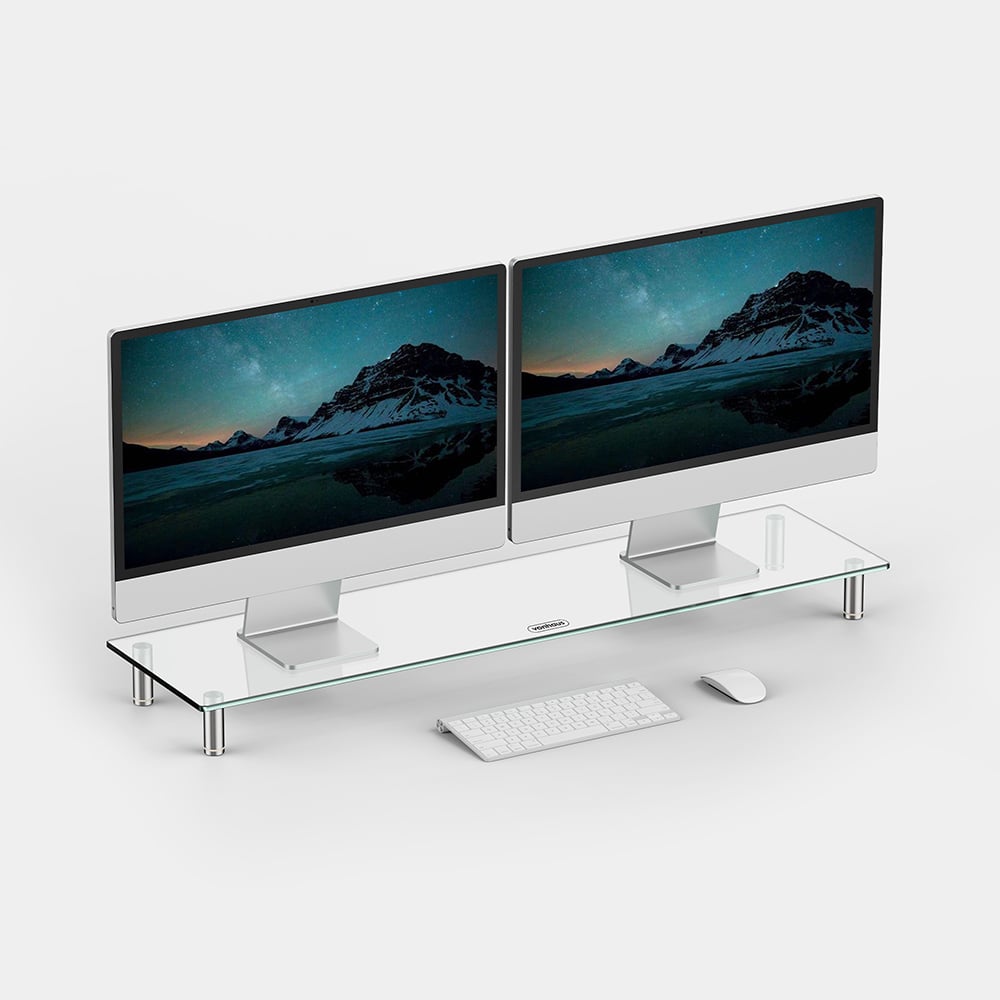
The goal is not to create a perfect studio. It is to make the daily work position easier to change and easier to maintain. A desk that fits the wall, a screen at a sensible height and a chair that suits the user can improve the room more than adding multiple storage units or oversized accessories.
Start with the footprint of the desk
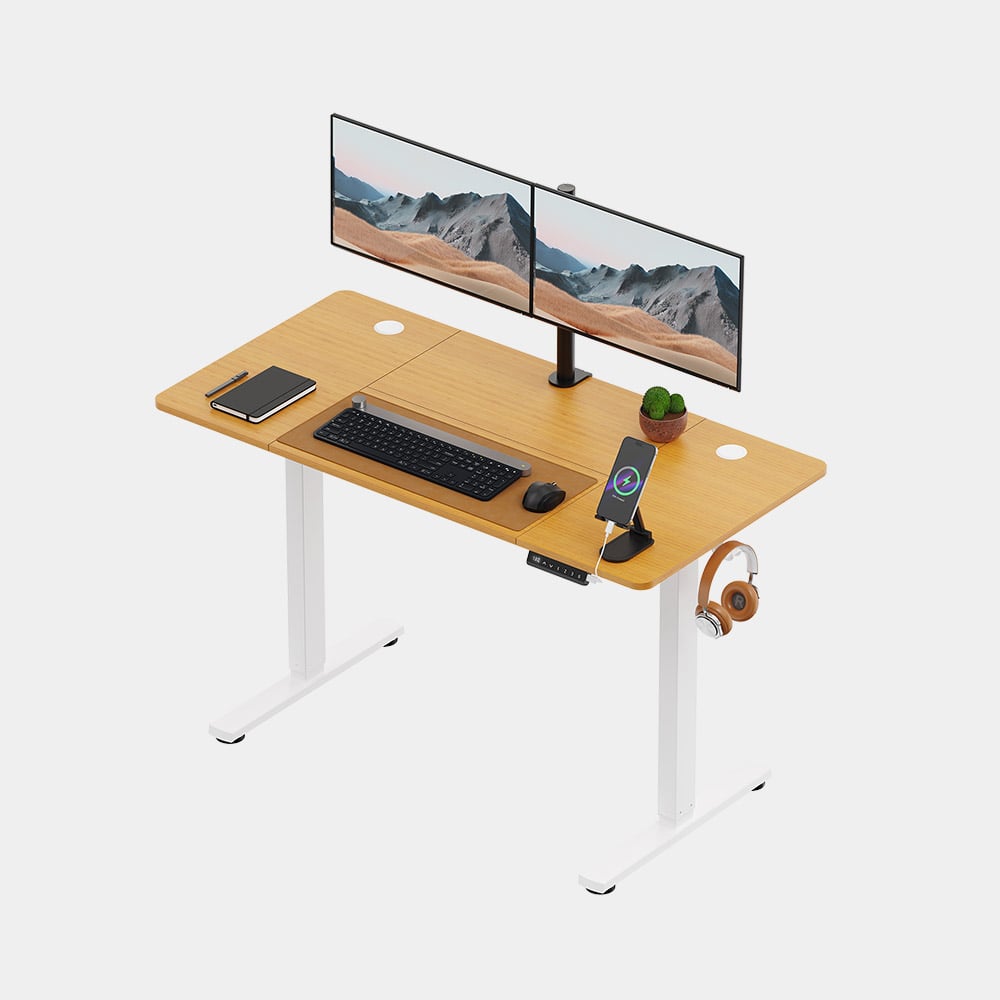
Desk size determines almost everything that follows. A surface that is too deep can consume walking space, while one that is too narrow may force the keyboard, laptop and papers into constant conflict. Measuring the available wall and leaving clearance for a chair should happen before choosing a style. Compact standing desks are useful when a worker wants position changes without adding a second workstation.
vonhaus.com lists standing desks in several widths and also offers desk risers that sit on an existing surface. That distinction matters in small rooms. Replacing a desk may be worthwhile when the current one is unstable or badly sized. A riser can make more sense when the existing desk already fits the room and only the working height needs more flexibility.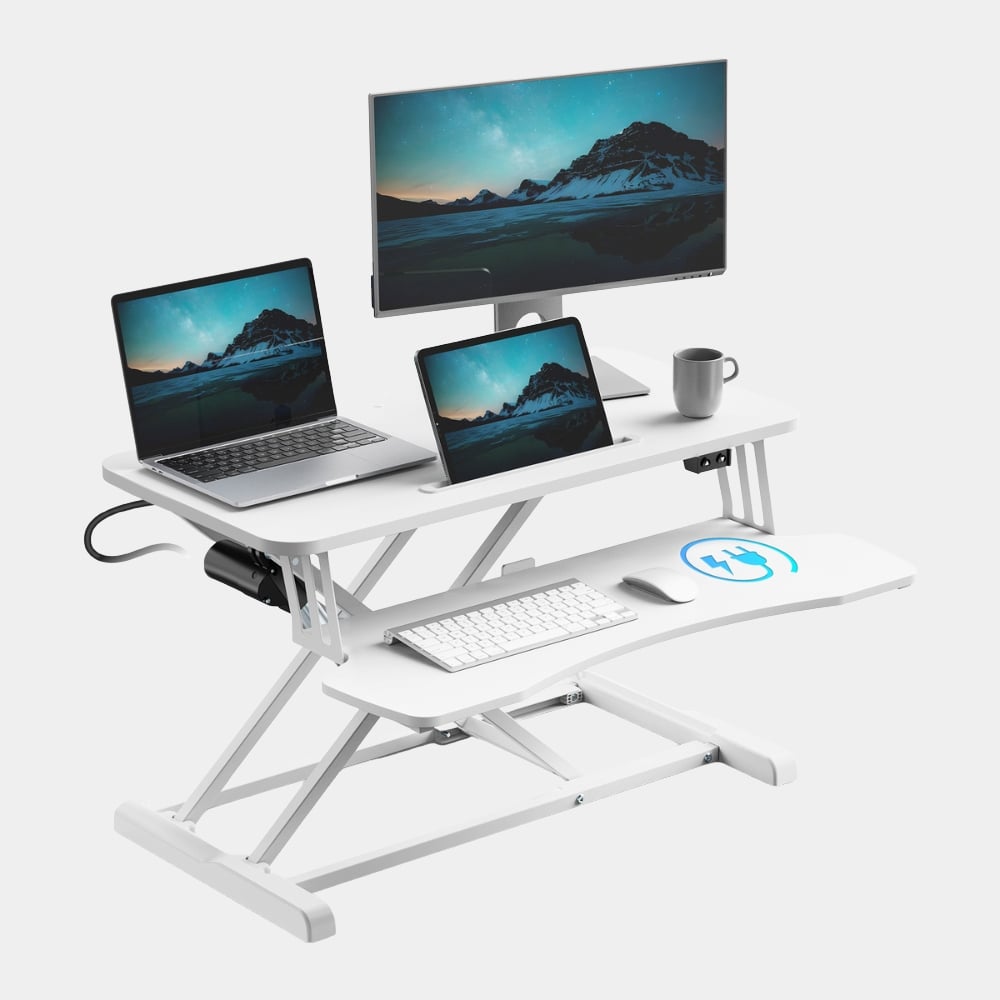
Height adjustment should also be treated as a routine rather than a promise that standing is always better. The value of a sit-stand setup is the ability to alternate positions. A worker can sit for concentrated tasks, stand during calls or lighter work and change again before discomfort builds. Movement is the advantage, not one permanent posture.
Raise the screen before adding more desktop
Screen position is one of the easiest improvements in a small office because it can create comfort without taking much floor space. A monitor that sits too low encourages the head to drop and the shoulders to round. A stand or arm can bring the display closer to eye level while freeing useful surface underneath or around the base.
A compact setup can be built around a few essentials.
- The desk should fit the room with enough clearance for the chair to move without blocking a doorway or walkway.
- The main screen should sit at a comfortable viewing height so the neck does not spend the day angled sharply downward.
- Frequently used items should stay within easy reach while occasional items can move into drawers or vertical storage.
- Power cables should follow one controlled route instead of spreading across the floor or desktop.
- A chair should suit the desk height and the user rather than being chosen only for appearance.
Choose furniture that earns more than one kind of space
In a small room, every object uses both physical and visual space. Armless chairs can slide farther under some desks. Monitor stands can create storage underneath. A desk riser can add height variation without replacing the base desk. These dual-purpose choices make the room feel calmer because fewer objects are needed to solve the same problems.
The home-office section on vonhaus.com includes desk mounts, risers, standing desks and chairs designed for different footprints. Product dimensions are especially important here. A five-centimetre difference can decide whether a chair clears a drawer or whether a monitor stand fits between speakers. Reading measurements before ordering is far more reliable than judging scale from photography alone.
Visual simplicity also helps a tight office. Matching finishes and reducing exposed clutter can make a small work zone feel deliberate rather than temporary. That does not require every item to come from one collection. It only requires restraint. A white desk with a light top, a simple chair and a clear monitor stand can feel coherent when shapes and materials do not compete.
Comfort comes from adjustment and maintenance
Even good furniture becomes uncomfortable if it is left in one position all day. Chair height, screen angle and working position should be adjusted as tasks change. A worker using a laptop alone may need a separate keyboard and a raised screen for longer sessions. Someone using two monitors may need enough width to keep both displays centred rather than constantly twisting the neck.
vonhaus.com provides specifications on individual product pages, including dimensions and adjustment ranges for many office items. Those figures are useful when planning a setup because comfort depends on fit. A desk can be technically adjustable yet still be wrong for a particular person or room if its minimum height, depth or surface width does not match the space.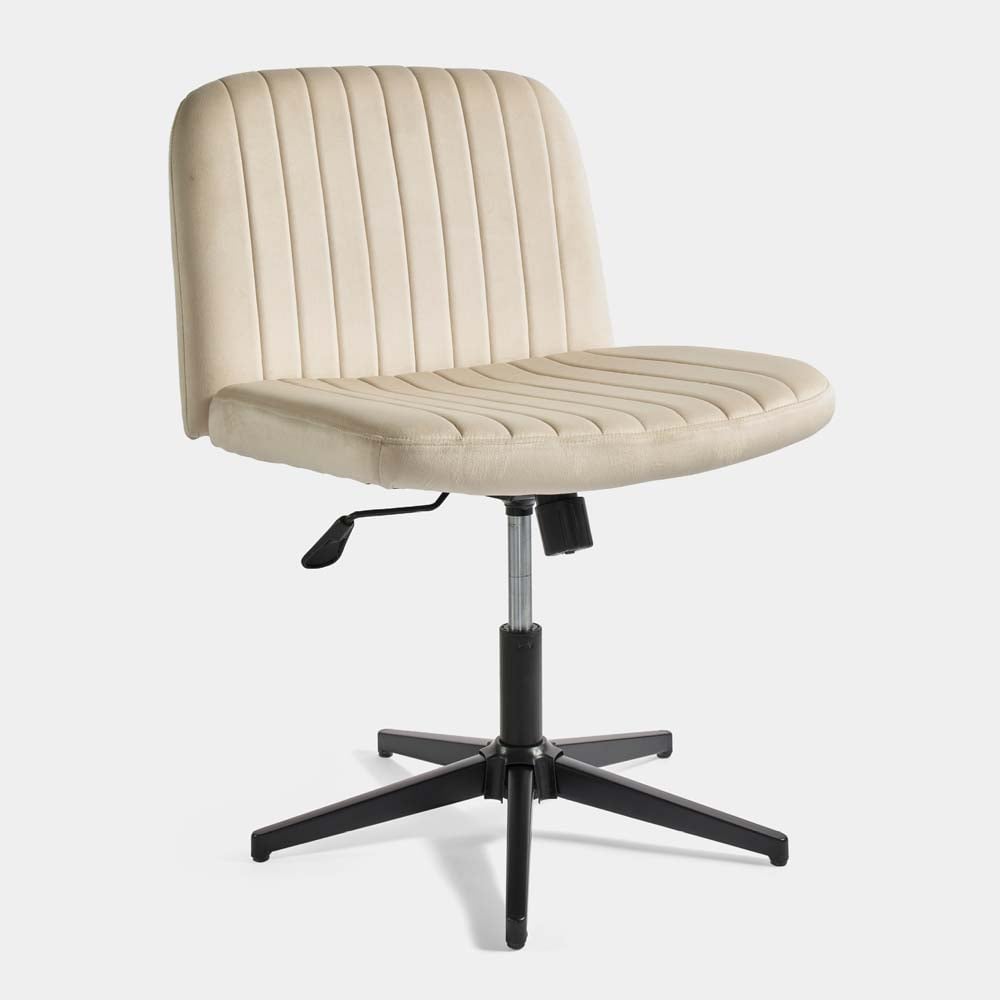
Cleaning and cable checks also belong to ergonomics. Dust around electronics, tangled chargers and a desktop crowded with unused items make small workspaces harder to use. A quick weekly reset keeps the main surface available and reveals whether the setup is still serving its purpose.
Build the office around the work that actually happens
A compact office should match real tasks. A person who works mainly on one laptop needs a different setup from someone editing on two monitors or handling paper documents. The right solution may be a standing desk, a converter or simply a better monitor position. vonhaus.com offers several routes, but the room should decide which route makes sense.
The strongest small-space office is therefore selective. It leaves enough room to move, makes the screen easy to view and keeps the essentials close without filling every corner. When measurements, posture and task needs guide the choices, a modest area can feel much more capable than its floor plan suggests.
