

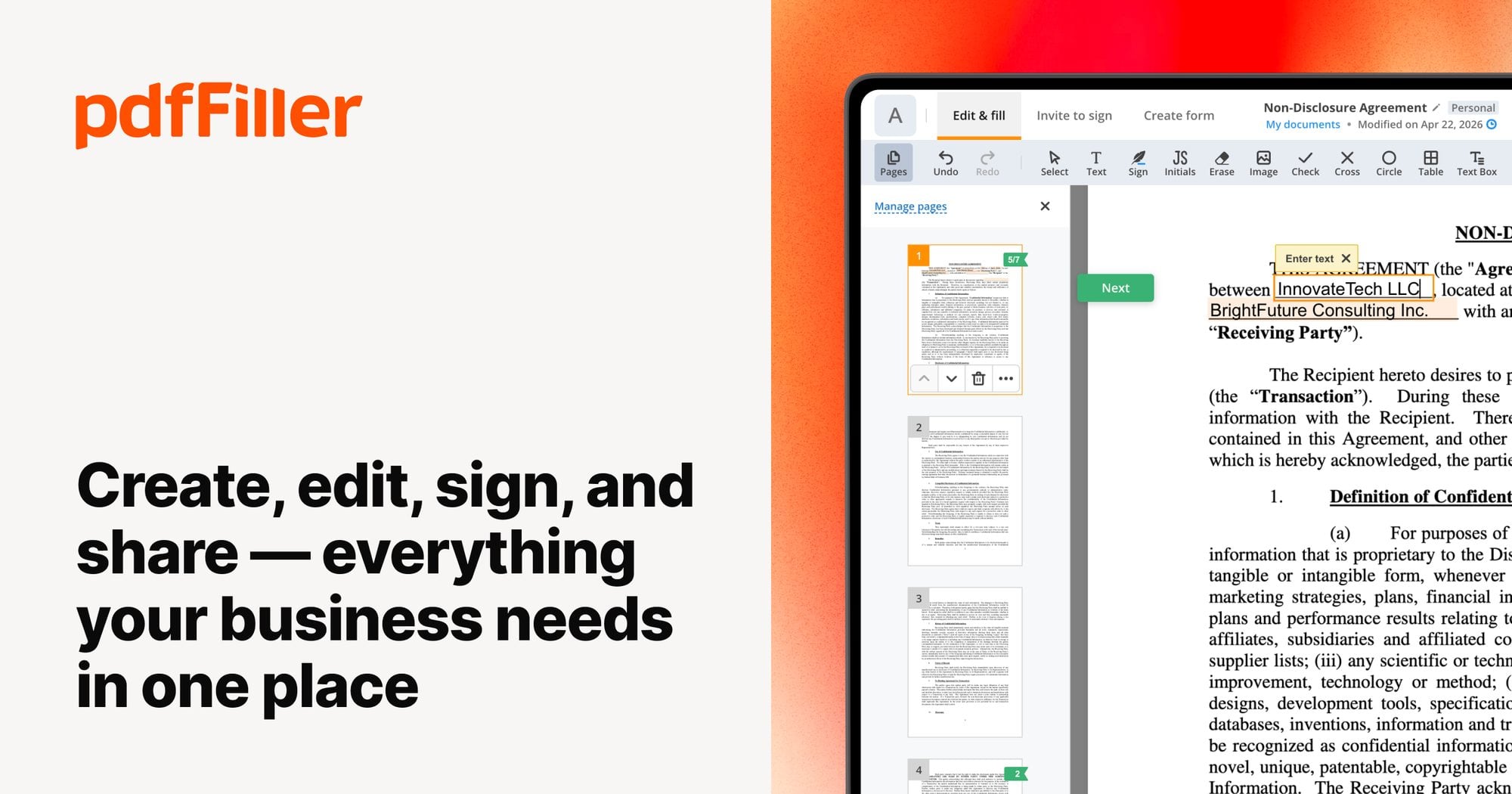
Many freelancers, small firms, and solo professionals need reliable document tools without paying for software built for large enterprises. Affordable PDF editing matters most when budgets are tight but paperwork still needs to look polished and move quickly. Pdffiller positions itself as a cloud-based option that brings editing, form creation, and signatures into one account. That single-account approach matters because switching between separate programs for each task tends to slow down everyday paperwork and introduce extra steps that small teams cannot easily spare.
What pdfFiller Offers for Document Management on a Budget
Pdffiller describes itself as an all-in-one PDF editing and document management solution. Documents can be uploaded directly from a device, with support for PDF files up to 100 MB and other formats, such as DOC, DOCX, RTF, PPT, PPTX, JPEG, PNG, JFIF, XLS, XLSX, and TXT, up to 25 MB. That range of accepted file types means most office paperwork can land in one workspace instead of being scattered across separate apps. On G2, the platform holds a 4.6/5 rating from 710 reviews, which the brand points to as evidence of consistent satisfaction among its user base.
Core Editing and Annotation Tools in pdfFiller
The editing toolkit covers the everyday tasks that make affordable PDF editing practical for individuals and small teams. Text can be typed or deleted, sections can be highlighted or blacked out, and images or drawn graphics can be added directly inside a browser or on a mobile device. There is no need to install separate editing software, since all of this happens inside the same account. A solo consultant preparing a client proposal, for example, could mark up a draft, drop in a logo, and send it off without opening a desktop program.
Document management goes beyond editing text. Pages can be rearranged, merged, or split, and files can be converted into other formats in a few clicks. Smart tags help keep folders organized once a workspace starts to fill up with client files or internal records. This combination of editing and organizing tools is what separates a plain PDF viewer from a genuine document management platform, and it is part of why Pdffiller markets itself around affordable PDF editing rather than a single narrow feature.
Creating and Managing Fillable Forms Without Extra Costs

An online library holds 40 million fillable PDF forms that can be searched, customized, and sent to clients or customers. Instead of building a form layout from scratch, a relevant template can often be located and adjusted within minutes. A small accounting practice, for instance, could pull a tax authorization form from the library, fill it with client data, and route it for a signature the same afternoon. The search tool lets a person describe the form needed, review the results, and click the orange Fill Online button to begin editing right away.
Once a document is open, fields can be typed into directly, and a signature can be applied using a signature font or a hand-drawn version. Pages can be rearranged or removed before the form is considered final. When everything looks right, the completed form can be downloaded, emailed, printed, or faxed, which keeps the whole cycle inside one account instead of bouncing between separate services.
pdfFiller’s Cloud Storage and Collaboration Features
Teams working across locations can set up shared Organizations inside the platform to keep projects together. Folders, documents, and templates can be shared with teammates so that a form built once does not need to be rebuilt for every new client. Access can also be restricted with a password, which matters for a bookkeeper or tax preparer handling sensitive client paperwork. For tax and accounting work specifically, Pdffiller points to SOC 2 certification and secure storage of client files as part of its pitch to financial professionals.
Beyond simple sharing, documents can carry a company logo or watermark for a more consistent look across client-facing paperwork. These branding tools apply to PDFs as well as other formats, including JPG, PNG, PPT, and Excel files. That flexibility matters for a small firm that wants every form and invoice to look like it came from the same place.
Enterprise eSignatures Through SignNow Integration

Signature requests run through signNow, which the brand describes as getting documents signed 24 times faster through structured eSignature workflows. Contracts and forms can be sent in a role-based order, so each signer receives the document only after the previous step is complete. Senders can track signing status and follow up without digging through separate email threads.
This matters for small operations that still need contracts, engagement letters, or authorizations signed on a predictable schedule. A single freelancer sending a client agreement, and a small accounting office requesting IRS authorizations and account-opening forms, can both use the same signature workflow. Reminders and status tracking stay in one place rather than spread across inboxes, which is part of how Pdffiller frames its document workflow as an affordable PDF editing and signing solution combined.
pdfFiller’s Place Among Document Management Platforms
Pdffiller frames itself as a cost-effective alternative to other document platforms, citing a user base of over 64 million people alongside its award recognition on G2. The same editing, form, storage, and signature features described above are what the brand points to when making that comparison. Rather than offering a stripped-down tool, the platform bundles creation, fillable forms, templates, conversion, and signatures under one account.
- Cloud-based editing tools allow text, images, and drawn graphics to be added to a PDF from any browser or mobile device.
- An online library holds 40 million fillable PDF forms that can be searched, customized, and reused.
- Pages can be merged, split, rearranged, or converted into other file formats within the same account.
- Organizations allow folders, documents, and templates to be shared securely among teammates.
- SignNow integration enables role-based signature requests with status tracking and reminders.
- Logos and watermarks can be applied across PDFs and other document formats for consistent branding.
Affordable PDF editing, form creation, storage, and signatures sit together in one account, which is the core reason small teams keep that combination on their radar.