


Generative platforms now cover video, imagery, and face manipulation under one roof, which makes any honest AI video tools comparison harder than it looks. Akool bundles several distinct engines into a single workspace, and each one solves a different creative problem. This breakdown looks at what Seedance, Seedream, and Swap Studio actually do, so the right tool gets matched to the right job.
Understanding Akool’s Three Core Product Ecosystems
Akool organizes its offering around three clear pillars rather than a single do-everything tool. Seedance handles video generation, Seedream focuses on still image creation, and AI Swap Studio covers face, head, hair, clothing, and motion replacement across photos and video. Each pillar targets a different starting point, whether that is a blank script, a text prompt, or an existing clip that needs one element changed.
Alongside these three pillars sit a Model Hub, an Image Generator, and a set of specialist apps covering avatars, translation, and short-form editing. Akool reports over 300 million asset creations and counts Fortune 500 companies among its users. That scale matters when running an AI video tools comparison, because breadth of use often signals how many creative scenarios a platform has actually been tested against.
Seedance 2.5: AI Video Generation and Cinematic Creation
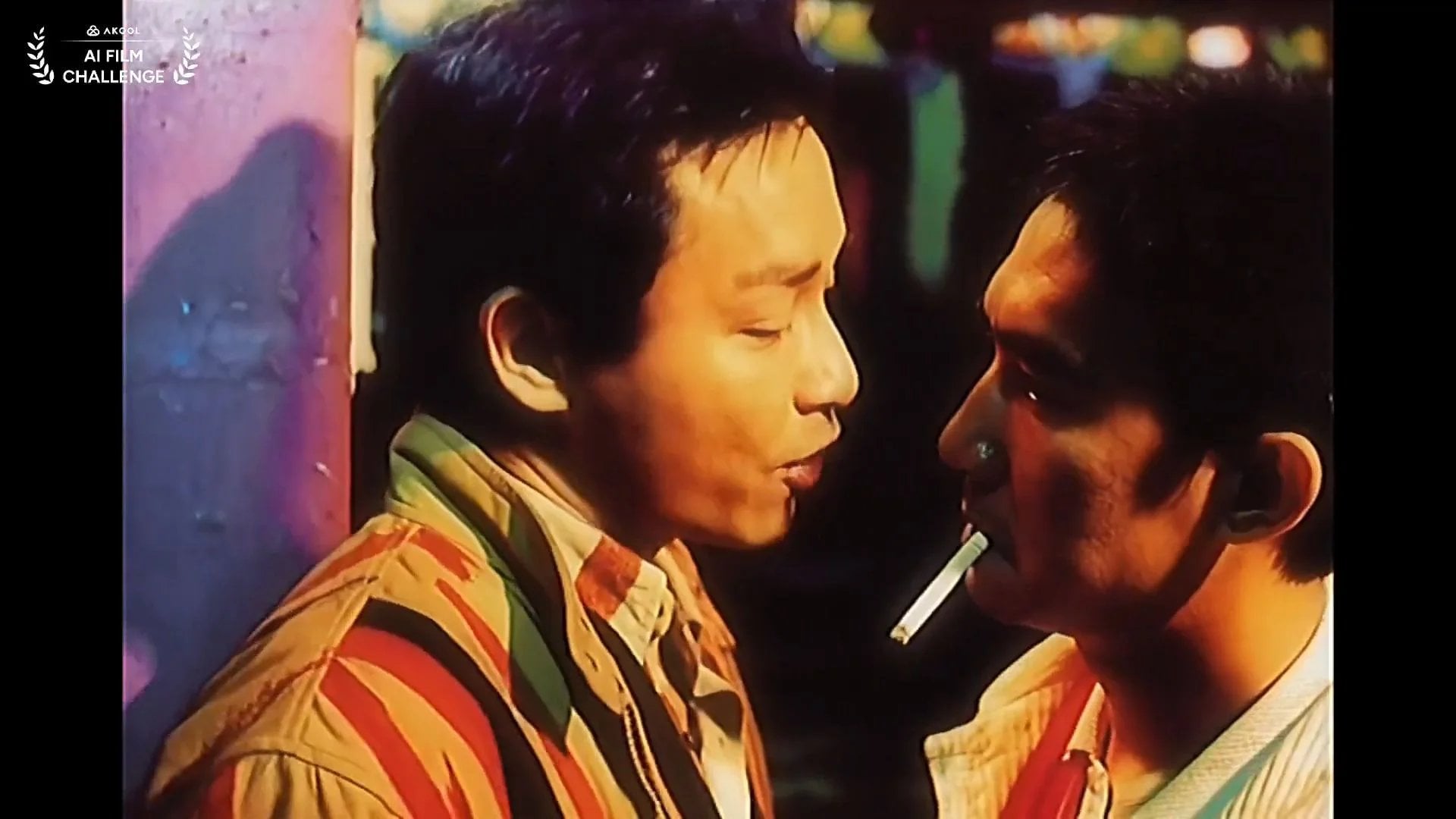
Seedance 2.5 is the current video generation engine inside the platform, turning text prompts, static images, or reference clips into finished footage. It sits inside a Model Hub that also gives access to Kling and Wan. Having several video models in one workspace lets a creator compare outputs without leaving the project, which is central to any genuine AI video tools comparison.
The tool is positioned for product ads, social clips, and campaign footage, with reference images and motion prompts shaping the final look. A creator showcase tied to Seedance 2.5 also invites submissions for a share of cash rewards. For projects that need camera movement, lighting changes, or a cinematic feel built from scratch, this is the starting point inside the suite.
Seedream 5.5: Text-to-Image and Portrait Design

Seedream 5.5 handles the image side of the suite, built for transparent assets, detailed posters, and portrait work with natural textures and cinematic lighting. It runs alongside other models inside the free Image Generator, including Nano Banana Pro, Nano Banana 2, GPT Image 2.0, Qwen Image, and Flux. Having several models in one place lets a user switch engines depending on whether the goal is a clean product shot or a stylized portrait.
The Image Generator supports native 4K output at 3840×2160 pixels, generated directly rather than upscaled from a lower resolution. Generation typically takes 30 to 60 seconds, with professional color accuracy aimed at both screen and print use. Akool positions this combination of native 4K and short generation time as a meaningful differentiator when images need to serve both a social feed and a printed poster.
AI Swap Studio: Face Swap, Motion Swap, and Character Replacement

AI Swap Studio is the manipulation layer of the platform, built around replacing or altering specific elements of a photo or video rather than generating a scene from nothing. Each tool inside it is credit-based and targets a narrow, specific transformation. This focus is what separates Swap Studio from the broader generation work done by Seedance and Seedream.
- Face Swap delivers studio-quality face replacement across both photos and videos.
- Character Swap replaces a person in a video with any character, whether real or generated.
- Motion Swap maps motion from a reference video onto a different character in existing footage.
- Head Swap replaces an entire head while keeping the original pose and lighting intact.
- Hair Swap allows trying on a different hairstyle or color without an in-person salon visit.
- Clothing Swap replaces an outfit while keeping the person, pose, and background unchanged.
Taken together, these six tools give Swap Studio a fairly complete toolkit for identity and appearance editing. Anyone running an AI video tools comparison that includes face and motion manipulation will find this breadth is not common across competing platforms, which often offer only a single face-swap function.
Specialist Tools: Character Studio, Talking Photo, and Shorts Studio
Beyond the three core pillars, several specialist apps serve narrower workflows. Character Studio builds videos from an avatar and a script, removing the need for a camera or a live presenter. Talking Photo turns a single still image into an animated speaking video almost instantly, while Shorts Studio is built specifically to turn existing footage into short-form, social-style clips.
The avatar side also includes an Avatar Video tool with hundreds of ready-made talking avatars, over 500 voice options, and more than 100 free templates. A separate Video Translation app supports over 155 languages with lip sync and voice cloning for localized output. Akool extends these specialist tools well past straightforward generation, into presentation, localization, and repurposing of existing content.
Matching Akool Tools to Creative Projects
Picking a tool inside the suite usually comes down to the starting material and the intended output. A project starting from nothing but a script or a concept leans toward Seedance for motion or Seedream for stills. A project starting from existing footage, where only one element needs to change, points toward one of the Swap Studio options instead.
For marketing teams juggling multiple formats, the Model Hub approach also matters, since it allows direct comparison between Seedance, Kling, and Wan inside a single project. That flexibility is often the deciding factor in any serious AI video tools comparison, because it removes the need to export work between separate platforms. Matching the tool to the footage, rather than forcing one engine to do every job, tends to produce the cleanest results.
Each tool answers a different creative question, built to work alongside the others rather than replace them.