

Pentesting toolkits and signal-exploration gadgets rarely come as a single fixed unit, and this ecosystem is a good example of that. A proper Flipper Zero modules comparison has to look at the core device alongside two expansion pieces, the WiFi Devboard and the Video Game Module, since each one changes what the hardware can actually do. This overview breaks down what each piece contributes and where the practical differences sit.
What Flipper Zero Does: The Core Multi-tool Device
Flipper Zero is a portable multi-tool built around an ultra low power STM32 MCU, designed for exploring access control systems and radio protocols. It ships in a toy-like case with a 1.4 inch monochrome LCD display at 128×64 pixels, a 5-button directional pad, a back button, and a status LED. The display is sunlight-readable and built for low power draw rather than the OLED or IPS screens found on many comparable boards.
Underneath the case sits a Sub-1 GHz transceiver, an infrared transceiver, 1-Wire pogo pins, and GPIO pins running at 3.3V logic levels that are 5V tolerant for input. A USB Type-C port handles charging, power, and firmware updates, and a microSD card slot stores captured data and apps. The device also includes a lanyard loop, which signals how much its physical form was built for everyday carry rather than a lab bench.
The WiFi Devboard: Adding Wireless Connectivity and Advanced Debugging
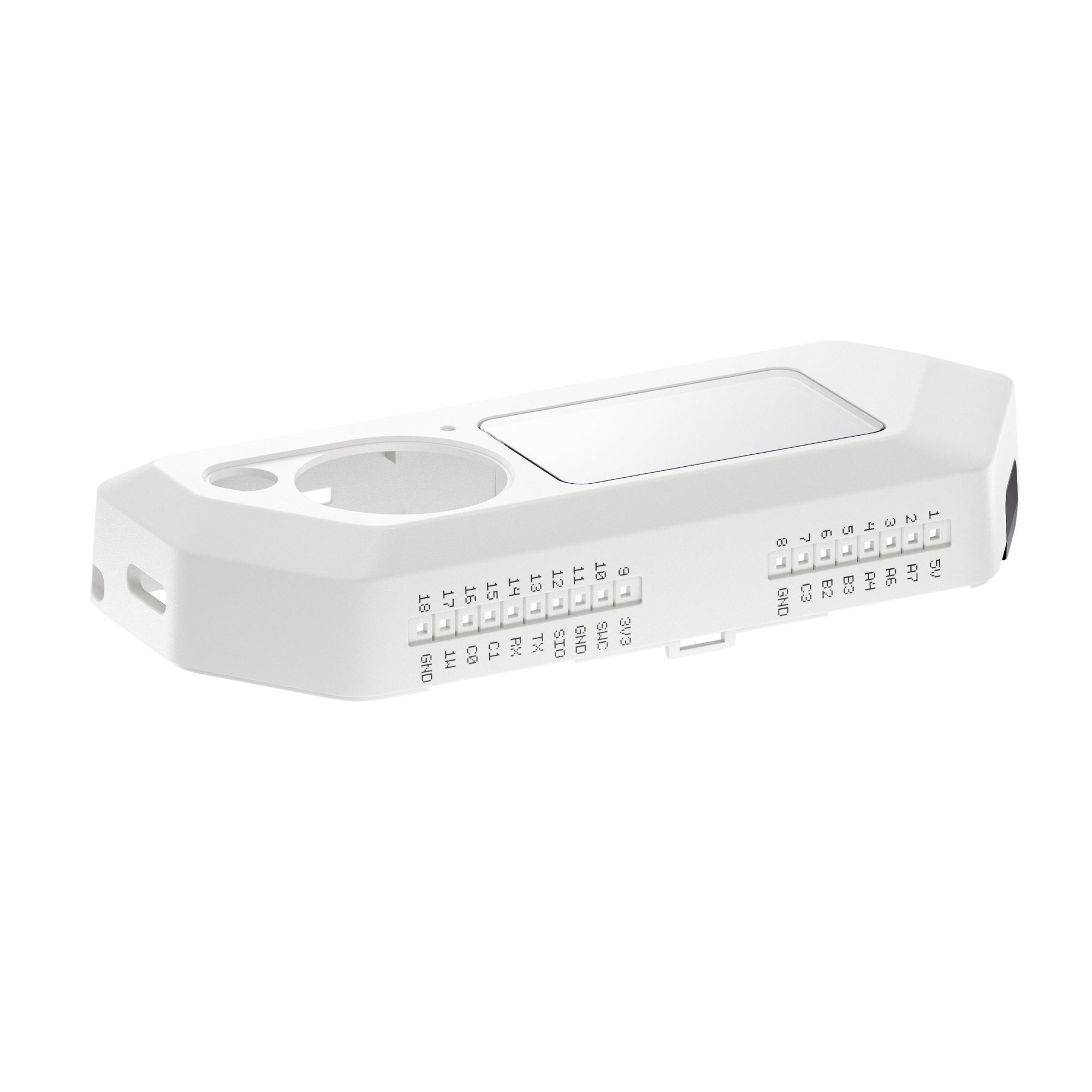
Where the base unit focuses on Sub-1 GHz, infrared, and access card protocols, a WiFi Devboard extends the picture into wireless network territory. Attaching this kind of expansion board is the usual way these pocket multi-tools pick up WiFi-specific testing and debugging features that the base hardware does not natively cover. That matters for anyone running a Flipper Zero modules comparison with an eye toward wireless penetration testing rather than just RFID or Sub-GHz work.
Because the core device already exposes GPIO pins at 3.3V logic levels, an add-on board of this kind can tap directly into that interface for debugging hardware projects. This keeps the workflow consistent with the rest of the ecosystem instead of requiring a separate toolchain. The result is a device that can shift from reading access cards to probing wireless networks without leaving its pocket-sized form factor.
The Video Game Module: Raspberry Pi RP2040 Integration and Entertainment
The Video Game Module for Flipper Zero is built around a Raspberry Pi RP2040 microcontroller, which makes it compatible with a wide range of existing Raspberry Pi Pico projects. It also works as a standalone device, independent of the main unit, and includes a video output option for displaying content on a television. A motion sensor with an open API and a 14-pin GPIO port round out the expansion possibilities for DIY builds.
A USB-C port on the module handles communication with a computer along with firmware updates, mirroring the connector choice used on the core device. The module ships with open-source firmware and schematics, so the internals are documented for anyone customizing it. This open approach matches how the broader product line is described, since the parent device itself runs on open-source firmware.
Core Features Across the Lineup
Across the base device and its expansions, a few design choices repeat. Everything connects through USB Type-C, every board exposes GPIO pins for hardware experimentation, and the open-source approach carries through from firmware to published schematics. That consistency is part of what makes a Flipper Zero modules comparison straightforward, since the pieces share a common electrical and software language instead of each requiring its own separate ecosystem.
- Sub-1 GHz signal capture and replay lets the core device record and resend radio transmissions from remotes and sensors.
- NFC and RFID reading allows the device to interact with access cards, badges, and tags.
- Infrared transceiver support lets it store and send signals for televisions, projectors, air conditioners, and similar remote-controlled equipment.
- GPIO pin access across the lineup supports hardware experiments and custom protocol analysis.
- The WiFi Devboard adds wireless network testing and debugging capability on top of the base radio toolkit.
- The Video Game Module adds a Raspberry Pi RP2040-based standalone computing option with video output and a motion sensor.
Accessories and Customization Options for Each Configuration
Beyond the two main expansion boards, a set of smaller accessories and repair parts supports long-term use of the hardware. A 16GB microSD card is sold separately since the device requires one to operate at all, storing captured signals, apps, and firmware data. Screen protectors are also offered for the display.
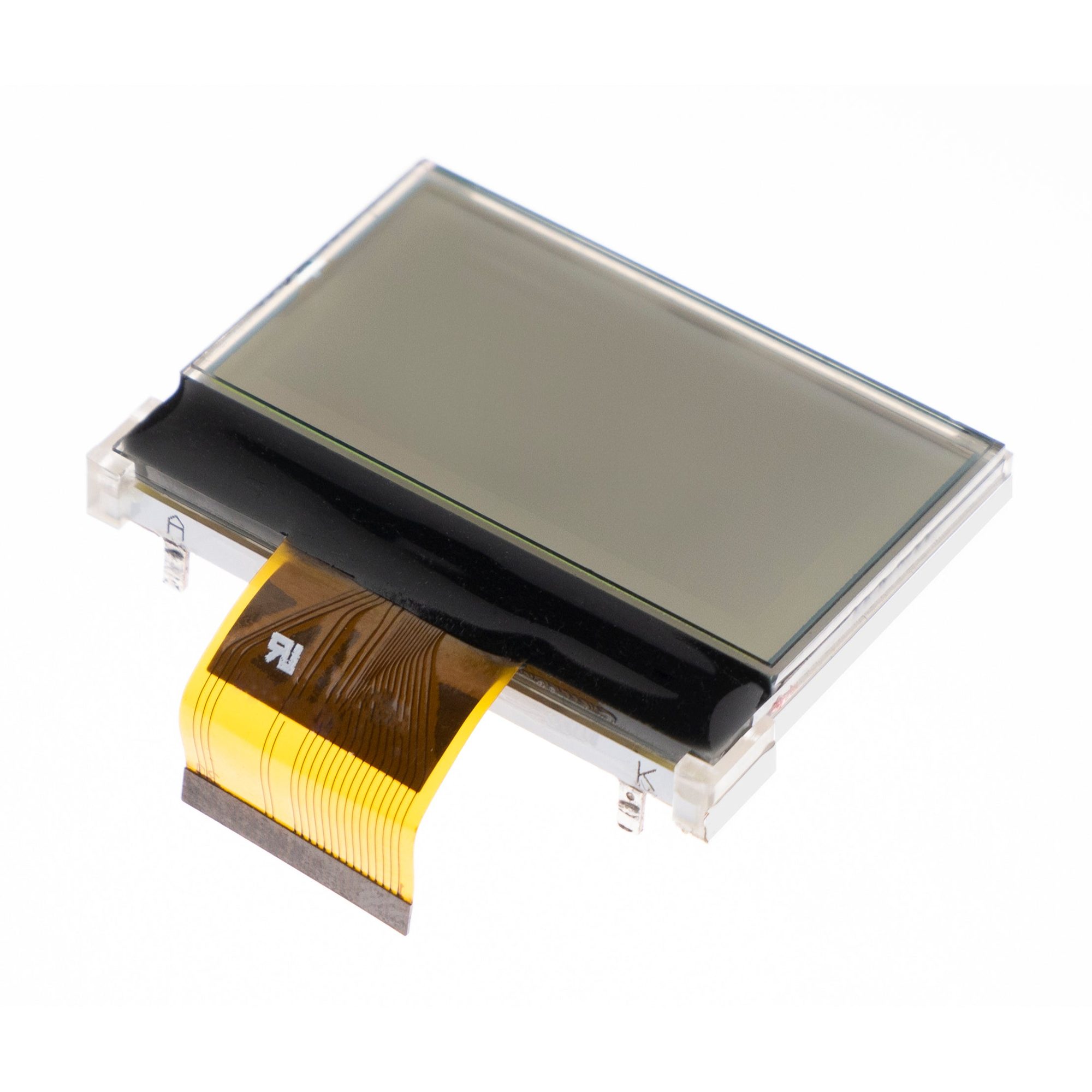
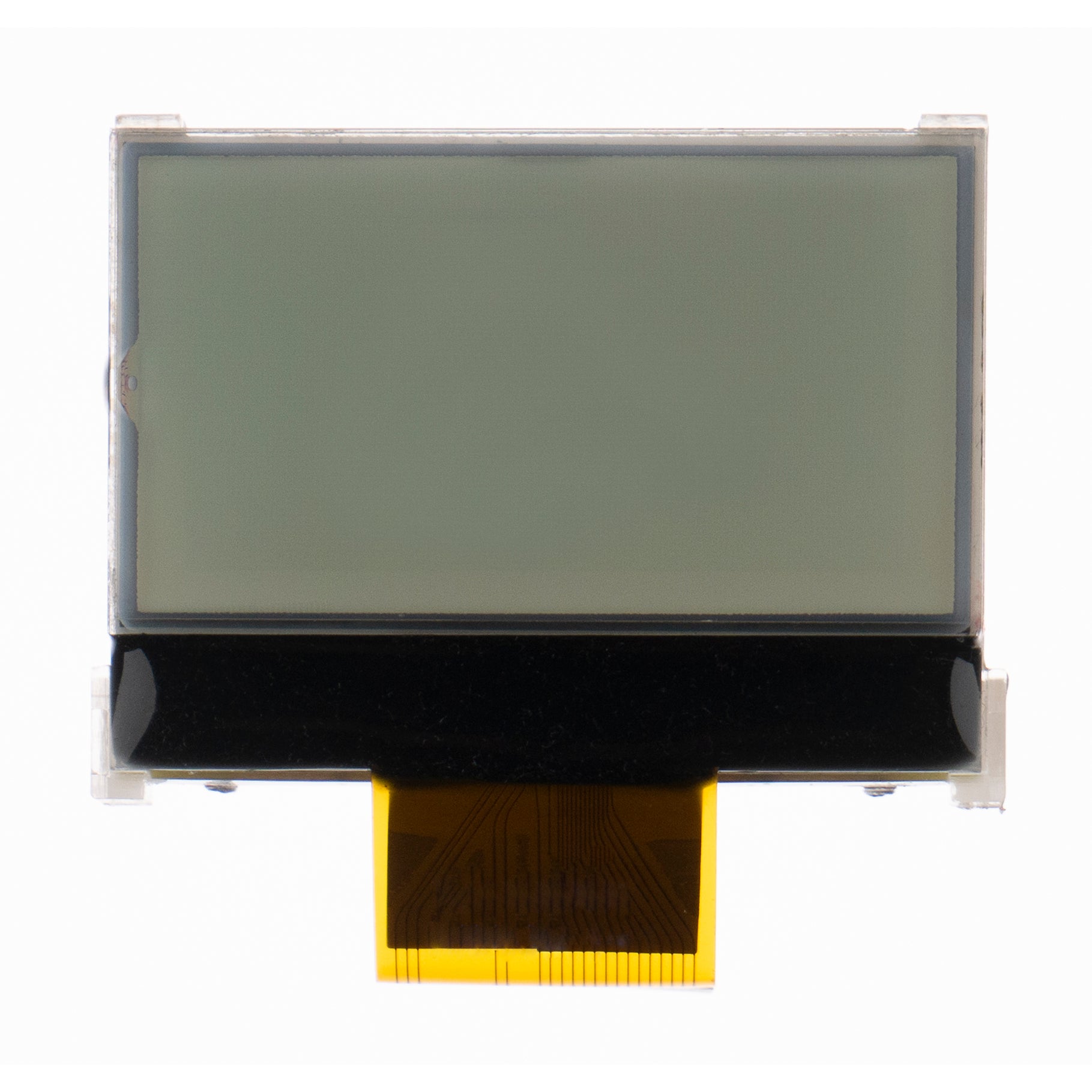
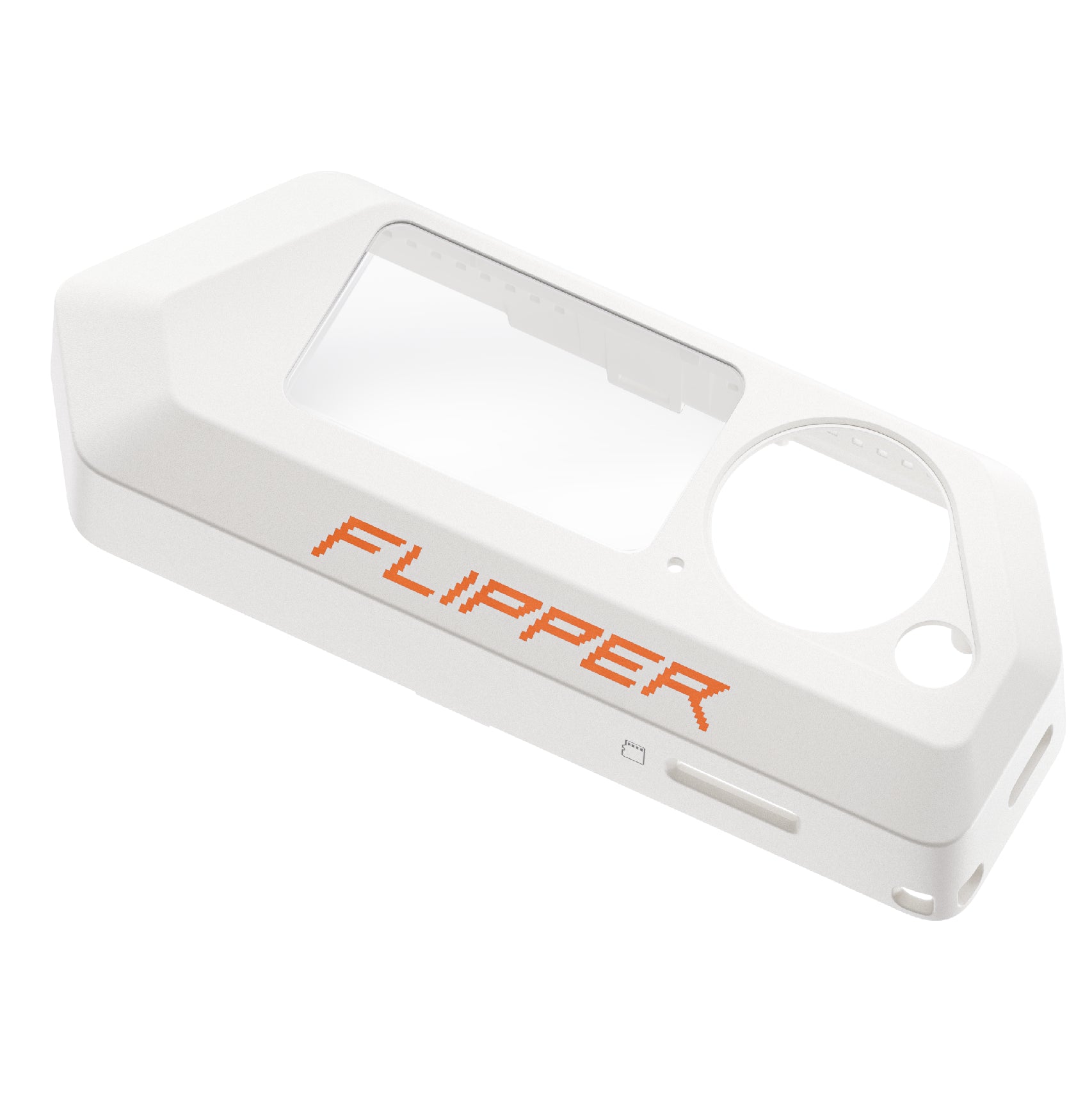
Replacement parts extend the practical lifespan of the hardware rather than requiring a full new unit. These include a bottom case, a top case with the screen and infrared window already attached, and a separate display module for the LCD itself. Each repair part comes with a published teardown or replacement guide, reflecting the same open, document-everything approach seen in the module firmware.
Choosing Between the Device Configurations for Different Use Cases
The core device on its own already covers a broad range of everyday and technical scenarios, from replacing a drawer of remotes at home to reading NFC tags and capturing Sub-GHz signals for study. For anyone whose interest stays close to access control systems, radio protocol research, or basic hardware debugging through GPIO pins, the base unit covers that ground without any add-on. Flipper Zero is described as fully open-source and customizable, which is part of why many people extend it with add-ons rather than replacing it.
Adding the WiFi Devboard makes more sense once the work extends into wireless network testing specifically, since that is the gap the expansion is built to close. The Video Game Module, on the other hand, serves a different purpose entirely, aimed at entertainment and Raspberry Pi RP2040-based development rather than penetration testing. Reviewing the specific protocols, signal types, and development targets involved is the clearest way to work out which combination actually matches a given project, which is exactly the point of running a careful Flipper Zero modules comparison before settling on a configuration.
Taken together, the core device and its two expansions form a flexible set of tools rather than a single fixed product. Matching a specific radio, access-control, or development task to the board built for it separates these options from one another.